Lesson 1 of 31 · ~22 min
Introduction to Cybersecurity
What cybersecurity covers vs IT support.
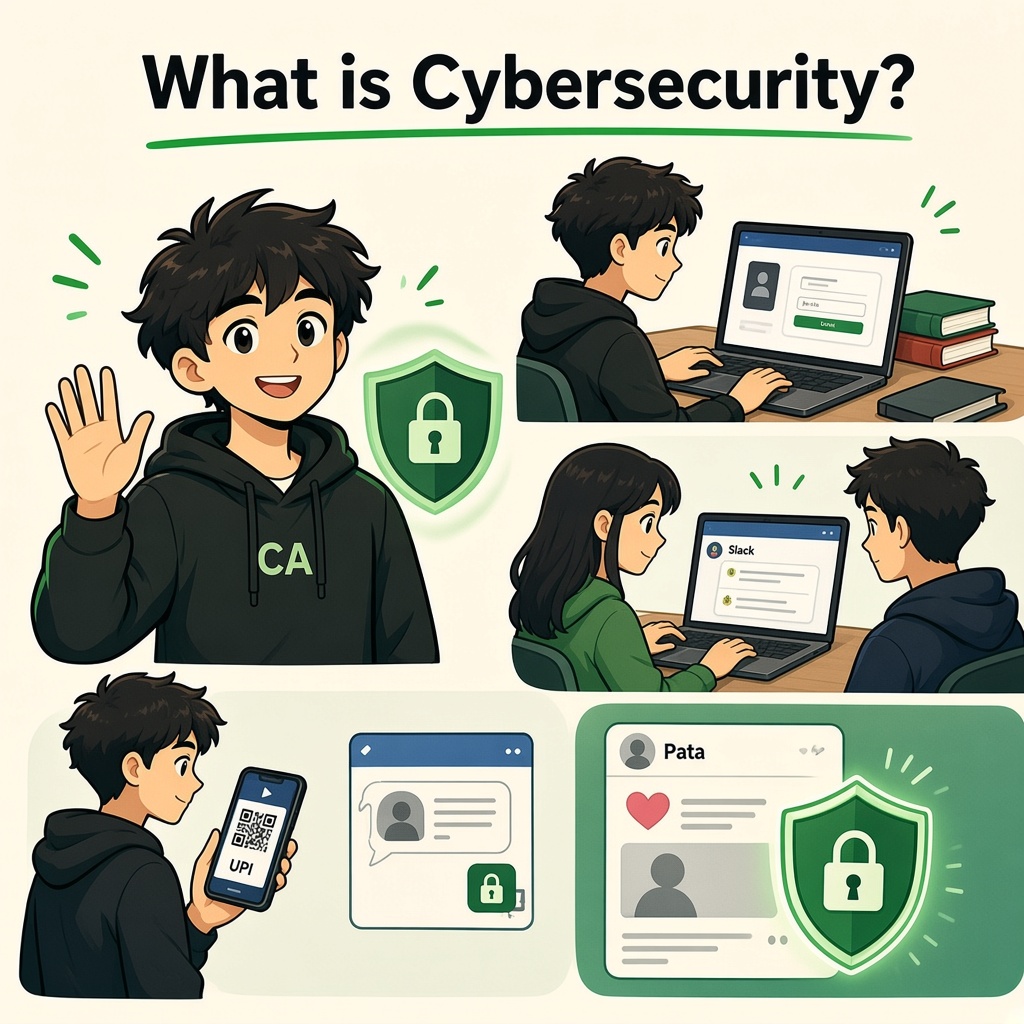
What is Cybersecurity?
Module 1 · Introduction to Cybersecurity · Beginner Level
Understand how to protect your digital life, recognize online threats, and stay safe in today's connected world.
1. Let's Understand Cybersecurity
Imagine you wake up in the morning and start using your phone.
You:
- Open Instagram and check your messages.
- Log in to Gmail and read your emails.
- Use Google Pay or PhonePe to make a payment.
- Open your college portal to check your attendance.
- Upload your assignments to Google Drive.
- Browse websites and download files.
Have you ever thought about what would happen if someone accessed your accounts without your permission?
For example:
- Someone changes your Instagram password and takes control of your account.
- Someone gets access to your UPI account and attempts unauthorized transactions.
- Someone steals your college login and changes your personal information.
- Someone accesses your Gmail and reads your private emails.
These are examples of cybersecurity problems.
Cybersecurity is the practice of protecting computers, mobile phones, applications, networks, accounts, and digital information from unauthorized access, theft, damage, and attacks.
In simple words:
Cybersecurity means keeping your digital world safe.
2. Understand Cybersecurity Through a Simple Example
Imagine that you own a house.
Your house contains:
- Doors and windows.
- Valuable items and documents.
- A locker containing money and jewellery.
- Security cameras.
- Keys that allow only authorized people inside.
You would never leave your house unlocked and allow strangers to enter.
Right?
Now think about your digital life.
| Your House | Your Digital World |
|---|---|
| House | Computer or mobile phone |
| Main door | Login screen |
| House key | Password |
| Additional door lock | Multi-Factor Authentication (MFA) |
| Security camera | Security monitoring |
| Locker | Encrypted files |
| Security guard | Firewall and security controls |
| CCTV recordings | Security logs |
| Spare key or duplicate documents | Backup |
Just as you protect your house, you must protect your digital information.
That is the basic idea behind cybersecurity.
3. What Exactly Do We Protect?
Before protecting something, we must understand what is valuable.
In cybersecurity, valuable information and resources are called Assets.
An asset can be anything that needs protection.
Examples of digital assets
1. Personal Information
- Name, address and phone number.
- Aadhaar or other identity information.
- Personal photographs and documents.
2. Online Accounts
- Gmail and Outlook.
- Instagram, Facebook and LinkedIn.
- Banking and payment applications.
3. Financial Information
- Bank account details.
- UPI credentials and transaction information.
- Credit and debit card details.
4. Business Information
- Customer databases.
- Employee information.
- Company financial records.
- Business source code and confidential documents.
5. Educational Information
- College login credentials.
- Examination results and attendance.
- Assignments and research documents.
Remember: If information is valuable to you or your organization, it needs appropriate protection.
4. Why Is Cybersecurity Important?
Cybersecurity is not only for software companies or IT professionals.
Anyone who uses the internet needs cybersecurity awareness.
Let's understand through three real-life situations.
Scenario A: A College Student
Imagine you receive an Instagram message:
"Congratulations! You have been selected for a ₹50,000 student scholarship. Click here and log in to claim your reward."
You click the link.
A website opens that looks exactly like Instagram. You enter your username and password.
But the website is fake.
The attacker may capture your login details and attempt to take control of your account.
What went wrong?
- You trusted an unknown message.
- You did not verify the website address.
- You entered your credentials on an untrusted website.
Cybersecurity lesson: Always verify links before entering personal information.
Scenario B: An Employee
Imagine you work in a company.
One morning, you receive an email:
"Your salary account requires immediate verification. Download the attached document."
You download and open the attachment.
Unfortunately, it contains malicious software.
Depending on the malware and permissions, it could steal information, damage files, or provide an attacker with access to the computer.
What went wrong?
- The attachment was not verified.
- The email was trusted without checking its authenticity.
- The employee ignored basic security precautions.
Cybersecurity lesson: Verify unexpected attachments and report suspicious emails to your security team.
Scenario C: A Business Owner
Imagine you run an online business.
Your website stores:
- Customer names and email addresses.
- Orders and payment information.
- Employee login credentials.
- Business documents.
One day, an attacker discovers a security weakness in the application and gains unauthorized access to customer information.
This can result in:
- Customer data exposure.
- Financial losses.
- Business interruption.
- Reputation damage.
- Legal and regulatory consequences.
Cybersecurity lesson: Businesses must regularly assess vulnerabilities, secure applications, protect data, and monitor suspicious activities.
5. How Does Cybersecurity Work?
Cybersecurity is not just installing antivirus software or creating strong passwords.
It involves multiple activities that work together.
Let's understand the basic security process.
Step 1: Identify What Needs Protection
First, identify your valuable digital assets.
Examples:
- Email accounts.
- Customer information.
- Business applications.
- Financial records.
- Company servers.
Step 2: Identify Possible Threats
A threat is something that could potentially cause harm to your digital assets.
Examples:
- Hackers attempting unauthorized access.
- Phishing emails.
- Malware and ransomware.
- Password theft.
- Data leaks.
Step 3: Identify Weaknesses
A vulnerability is a weakness that could be exploited to compromise a system.
Examples:
- Weak passwords.
- Outdated software.
- Incorrect server configurations.
- Unnecessary application permissions.
- Software security bugs.
Step 4: Apply Security Protection
Now introduce security controls to reduce the risks.
Examples:
- Strong and unique passwords.
- Multi-Factor Authentication (MFA).
- Firewalls.
- Antivirus and endpoint protection.
- Software updates.
- Encryption.
- Regular backups.
Step 5: Monitor and Respond
Even after implementing security controls, monitoring is important.
Security teams:
- Monitor system activities.
- Review security logs.
- Investigate suspicious behavior.
- Detect potential attacks.
- Respond to security incidents.
- Recover affected systems.
Simple process:
Identify → Understand Threats → Find Weaknesses → Protect → Monitor → Recover.
6. The Three Main Principles of Cybersecurity (CIA Triad)
One of the most important concepts in cybersecurity is the CIA Triad.
CIA stands for:
- Confidentiality
- Integrity
- Availability
These three principles help organizations protect their information.
1. Confidentiality – Keep Information Private
Confidentiality means ensuring that only authorized people can access sensitive information.
Example:
Imagine your Gmail account contains personal emails, documents and financial information.
You don't want strangers accessing those emails.
Passwords, access permissions and encryption help maintain confidentiality.
Simple meaning: Only the right people should see the information.
2. Integrity – Keep Information Accurate
Integrity means ensuring that information remains accurate and is not changed without authorization.
Example:
Imagine your college examination portal displays your marks as 85.
Someone without permission changes them to 35.
The information has been modified incorrectly.
Security controls, access restrictions and audit logs help protect integrity.
Simple meaning: Information should not be changed without permission.
3. Availability – Keep Information Accessible
Availability means ensuring that authorized users can access systems and information whenever they need them.
Example:
Imagine your college examination results are being released.
Thousands of students try to access the website, but the server crashes.
Students cannot check their results.
This is an availability problem.
Backups, redundancy, maintenance and DDoS protection can help improve availability.
Simple meaning: Information and services should be available when needed.
CIA Triad – Quick Comparison
| Principle | Main Question | Example |
|---|---|---|
| Confidentiality | Who can see it? | Protecting Gmail with MFA |
| Integrity | Can someone change it? | Preventing unauthorized mark changes |
| Availability | Can we access it? | Keeping college portals operational |
Memory Trick:
- C = Keep it Confidential.
- I = Keep it Intact.
- A = Keep it Available.
7. Cybersecurity in Applications You Already Know
You probably use many applications every day.
Let's understand what cybersecurity protects in those applications.
| Application | What Needs Protection? | Possible Security Risk |
|---|---|---|
| Gmail | Emails and account access | Phishing and account takeover |
| Profile, messages and identity | Account hijacking | |
| PhonePe / GPay | Payment credentials and transactions | UPI scams and social engineering |
| Professional identity | Fake job offers and phishing | |
| College Portal | Marks, attendance and student details | Unauthorized access |
| Google Drive | Documents and files | Data exposure |
| Razorpay | Merchant data and payment operations | Leaked API keys and unauthorized access |
These applications use different security mechanisms to protect users.
For example:
- Login authentication verifies your identity.
- MFA adds an additional verification step.
- Encryption protects information from unauthorized reading.
- Access controls decide who can access specific resources.
- Security monitoring helps identify suspicious activities.
8. Common Types of Cybersecurity Threats
Before becoming a cybersecurity professional, you should understand some common threats.
1. Phishing
Attackers send fake emails, messages or websites to trick people into revealing sensitive information.
Example: A fake bank email asking you to verify your account.
2. Malware
Malware is malicious software designed to perform harmful activities.
Examples:
- Viruses.
- Trojans.
- Spyware.
- Ransomware.
- Worms.
3. Ransomware
Ransomware is malware that can encrypt files or systems and demand payment for their recovery.
Example: A company suddenly loses access to important business files.
4. Password Attacks
Attackers attempt to obtain or guess passwords through different techniques.
Example: Trying commonly used passwords against an exposed login system.
5. Social Engineering
Social engineering involves manipulating people into revealing information or performing actions that compromise security.
Example: Someone pretending to be technical support and asking for your OTP.
Important: Many cybersecurity incidents begin with human mistakes, not complicated technical attacks.
9. What Do Cybersecurity Professionals Actually Do?
Cybersecurity is a broad field with many career opportunities.
Different professionals focus on different areas.
| Role | What They Do |
|---|---|
| Security Analyst | Monitor systems and investigate security alerts |
| Ethical Hacker | Test systems with proper authorization |
| Penetration Tester | Identify and validate exploitable vulnerabilities |
| SOC Analyst | Detect, analyze and respond to security events |
| Security Engineer | Design and implement security controls |
| Cloud Security Engineer | Protect cloud infrastructure and services |
| Digital Forensics Analyst | Examine digital evidence |
| Incident Responder | Investigate and contain security incidents |
At CYNARKS Academy, you will gradually explore these domains through lessons, guided demonstrations and authorized practical labs.
10. Security Tools You Will Explore
Cybersecurity professionals use different tools depending on their responsibilities.
Here are three tools you will encounter during your learning journey.
Wireshark
Purpose: Network protocol analysis.
It helps you inspect network packets and understand how devices communicate.
Burp Suite
Purpose: Web application security testing.
It helps security professionals inspect HTTP requests and responses and test web application security in authorized environments.
VirusTotal
Purpose: Security analysis and threat intelligence.
It helps investigate suspicious files, URLs and other indicators using multiple security engines and sources.
You will learn when and how to use these tools safely in controlled environments.
11. Common Cybersecurity Mistakes
Even people who use technology every day make security mistakes.
Avoid these habits:
- Using the same password for multiple accounts.
- Sharing OTPs with strangers.
- Clicking unknown links without verification.
- Downloading software from untrusted websites.
- Ignoring software and security updates.
- Connecting to suspicious public Wi-Fi networks without precautions.
- Giving unnecessary permissions to applications.
- Not maintaining backups of important files.
Remember: Good cybersecurity starts with good security habits.
12. Quick Memory Trick – C.A.R.E.
Use C.A.R.E. to remember four important security habits.
C – Control Access
Only authorized people should access your information.
A – Avoid Suspicious Activities
Verify links, attachments and unexpected requests.
R – Recover with Backups
Maintain backups so important information can be restored after an incident.
E – Educate Yourself
Learn about emerging threats and improve your security awareness.
Lesson Summary
By completing this lesson, you should now understand:
- What cybersecurity means.
- Why cybersecurity matters in everyday life.
- What digital assets are.
- What threats and vulnerabilities mean.
- How cybersecurity protection works.
- The three principles of the CIA Triad.
- Common cyber threats.
- Different cybersecurity career roles.
- Basic cybersecurity tools.
- Essential security habits.
Your first step into cybersecurity is complete!
In the next lesson, you will explore how the internet works, how devices communicate, and why understanding networks is essential for every cybersecurity professional.
CYNARKS Academy – Learn to Understand. Practice to Defend.
Safety rule: Practice cybersecurity techniques only on systems you own or have explicit authorization to test. Never attempt unauthorized access to real accounts, applications or networks.
End of lesson
Quiz · Tasks · Labs
Pass the quiz (≥70%), check off tasks, then mark the lesson complete to earn Foundations badges.
Knowledge check
Answer all, then submit1. What is cybersecurity?
2. Which of the following is an example of an asset?
3. What does Confidentiality mean in the CIA Triad?
4. You receive a suspicious email asking you to enter your banking password through a link. What should you do?
5. Which tool is commonly used for network packet analysis?
6. What is a vulnerability?
Lesson tasks
Practice labs
In-browser labs for this lesson — free with Fundamentals enrol.
- Decode the BeaconFundamentals
- Zero Trust PhraseFundamentals
Finish the quiz and tasks to unlock Mark as completed.